Notifications
Overview
Section titled “Overview”gosok has a real-time notification system powered by WebSocket events. Notifications can come from:
- CLI —
gosok notify "title" --body "message" - Messages —
gosok msg send <tab-id> "message"orgosok msg feed "message"
Notification Center
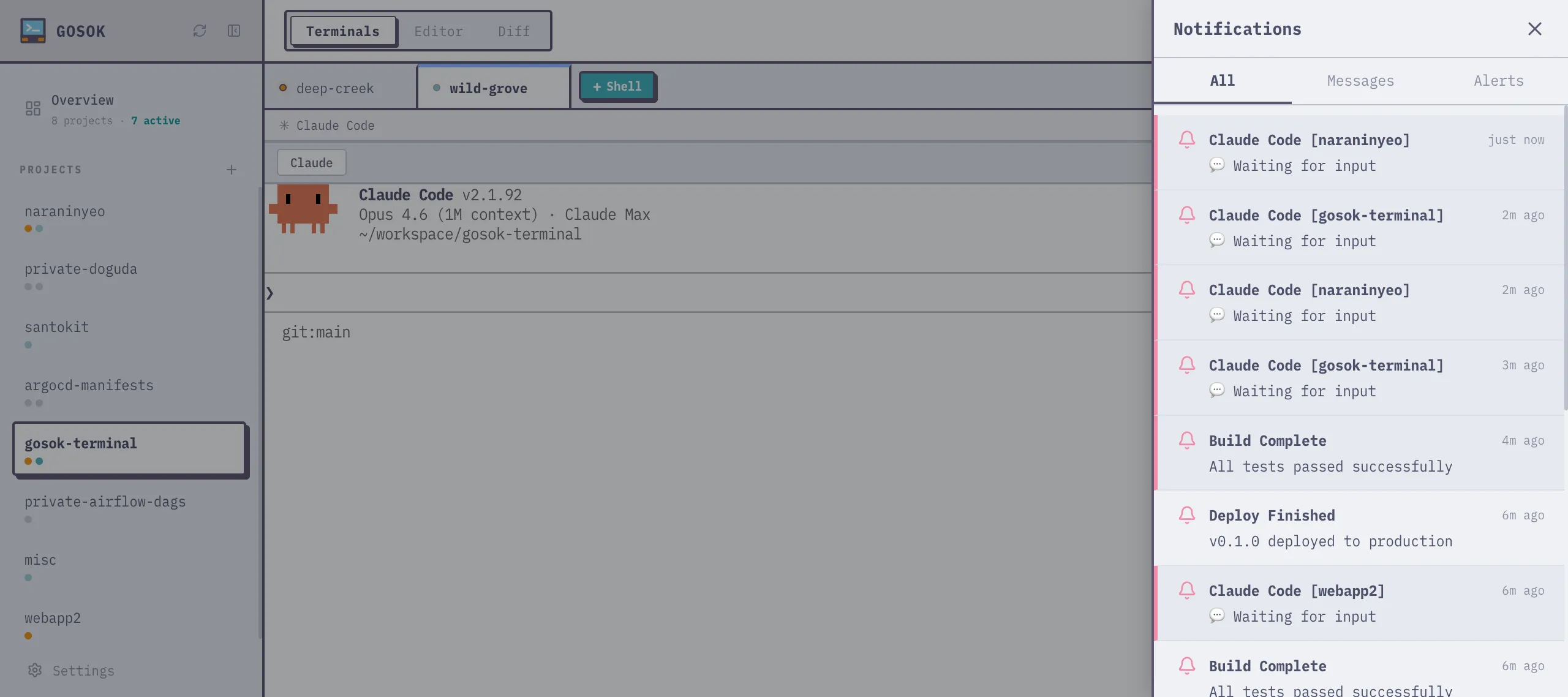
Section titled “Notification Center”Click the bell icon in the header to open the notification center panel. It shows:
- All — unified feed of messages and notifications
- Messages — direct, broadcast, and feed messages
- Alerts — notifications sent via
gosok notify
Unread items have a colored left border (blue for messages, pink for alerts) and a tinted background. Items are marked as read when the panel is closed.
Toast Notifications
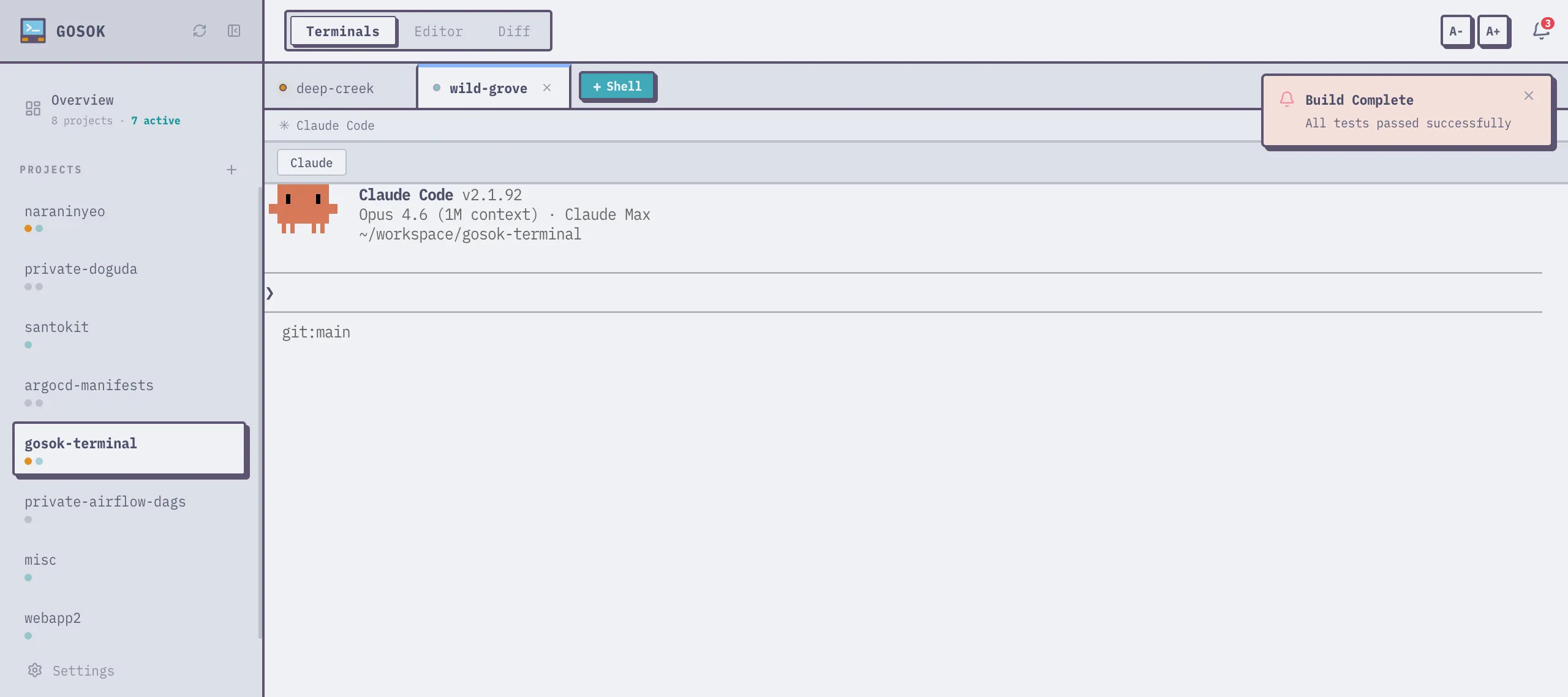
Section titled “Toast Notifications”New notifications appear as toast popups in the top-right corner. They auto-dismiss after 4 seconds. Clicking a toast navigates to the associated tab.
Tab Flagging
Section titled “Tab Flagging”By default, gosok notify does not visually highlight the tab. To make a tab’s dot turn yellow in the sidebar and tab bar:
gosok notify "Build Complete" --body "All tests passed" --flagThe yellow dot persists until the notification is read in the notification center.
Browser Notifications
Section titled “Browser Notifications”If browser notification permission is granted, gosok notify also triggers a native OS notification. Permission is requested automatically on the first notification.