Editor & Diff
Editor Mode
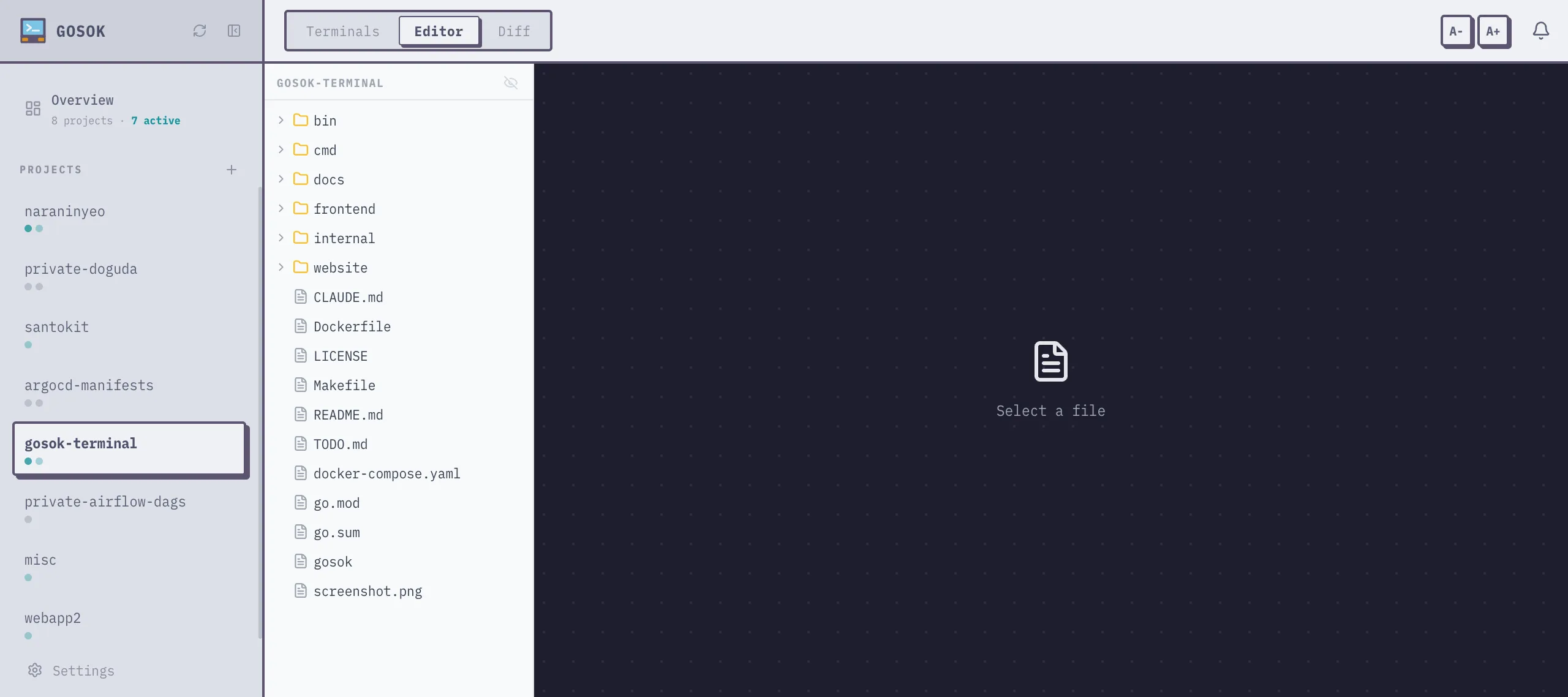
Section titled “Editor Mode”Switch to Editor mode using the mode switcher in the header. The editor provides:
- File tree — browse files in the project directory
- Monaco editor — syntax highlighting for 30+ languages
- Auto-refresh — files are re-read when switching to editor mode or changing tabs
- Save —
Cmd+S/Ctrl+Sor click the Save button
The file tree panel is resizable by dragging the divider.
Diff Mode
Section titled “Diff Mode”Switch to Diff mode to view git changes in the project directory.
- Shows changed files (staged and unstaged)
- Side-by-side diff view per file
- Uses the same font and size settings as the editor
Settings
Section titled “Settings”Font size and family can be adjusted per mode:
- A- / A+ buttons in the header control font size
- Terminal and editor font settings are independent
- Settings persist across sessions via the settings system